Theme Customization Checklist for Wordpress for Optimal Design
theme customization checklist for wordpress outlines key steps to enhance your site s appearance and functionality.
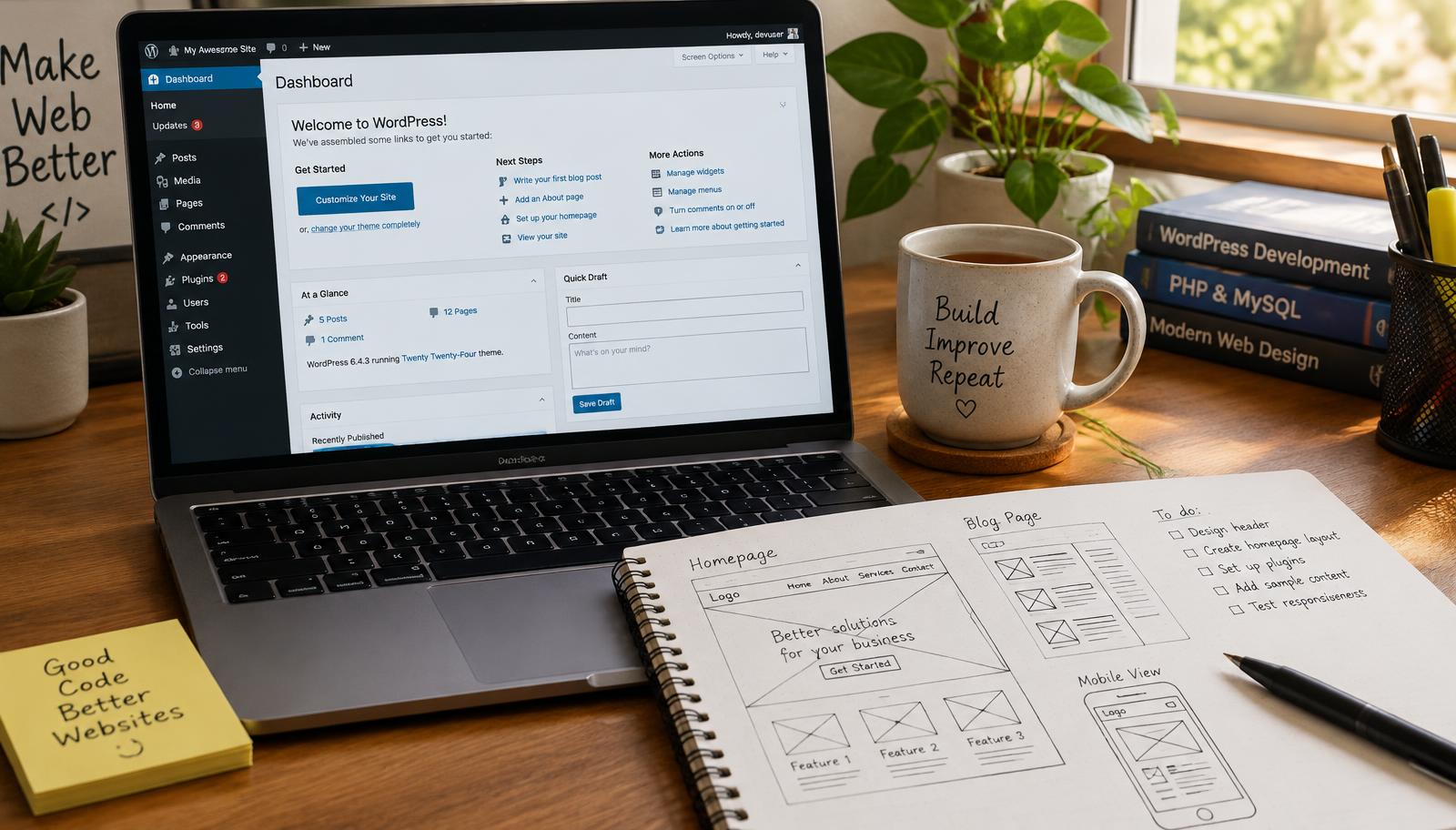
Theme Customization Checklist for WordPress
Customizing a WordPress theme involves several critical steps to ensure your website meets your design and functionality needs. This checklist provides you with a structured approach to effectively customize your chosen theme, focusing on essential elements that contribute to user experience and site performance.
Understanding Theme Selection
Choosing the right theme is foundational for successful customization. A well-selected theme should align with your website's purpose, whether it’s for e-commerce, blogging, or showcasing a portfolio. Consider factors such as responsiveness, compatibility with plugins like WooCommerce or Elementor, and overall aesthetics. A responsive design ensures that your site functions seamlessly across devices, enhancing user engagement.
Once you've selected a theme, review its features against your requirements. Not all themes offer the same level of customization flexibility; some may limit options in areas like typography settings or color schemes. Evaluate these aspects carefully to avoid future limitations in design adjustments.
Key Customization Steps
-
Header Customization: The header is often the first element visitors see. Customize it by adding your logo and adjusting navigation menus for clarity.
-
Footer Settings: The footer serves as an important area for additional links and information about your business. Include contact details and social media links here to enhance connectivity.
-
Color Scheme Adjustments: Your color scheme should reflect brand identity while ensuring readability across all devices. Use tools like Adobe Color Wheel to select complementary colors that enhance visual appeal.
-
Typography Settings: Choose fonts that are legible and align with your brand's tone—whether professional or casual—while maintaining consistency throughout the site.
-
Content Layouts: Experiment with different layouts through widgets or page builders like Elementor to find what best showcases your content without overwhelming users.
These steps form the backbone of effective theme customization, allowing you to create a cohesive look that resonates with visitors while serving functional purposes.
Final Checks Before Launch
Before launching your customized WordPress site, perform thorough checks on various elements:
- Validate responsiveness across multiple devices using tools like Google Mobile-Friendly Test.
- Ensure all links function correctly; broken links can harm user experience.
- Check loading speeds through platforms such as GTmetrix; slow sites deter visitors.
Additionally, confirm compatibility between installed plugins and the customized theme settings to prevent conflicts post-launch.
Theme Compatibility Checks
Conducting compatibility checks is vital before finalizing any customizations:
- Verify plugin support by consulting documentation from developers.
- Test updates in a staging environment before applying them live.
By addressing these checks early in the process, you mitigate risks associated with website performance issues after launch.
Frequently asked questions
Web Design Burnley Team
We are a local web design team in Burnley. We write these guides from the projects we plan, build and maintain for Lancashire businesses.
Meet the team