Optimizing Your Wordpress Theme for Better Performance Strategies
Optimizing your wordpress theme for better performance helps boost site efficiency and loading times.
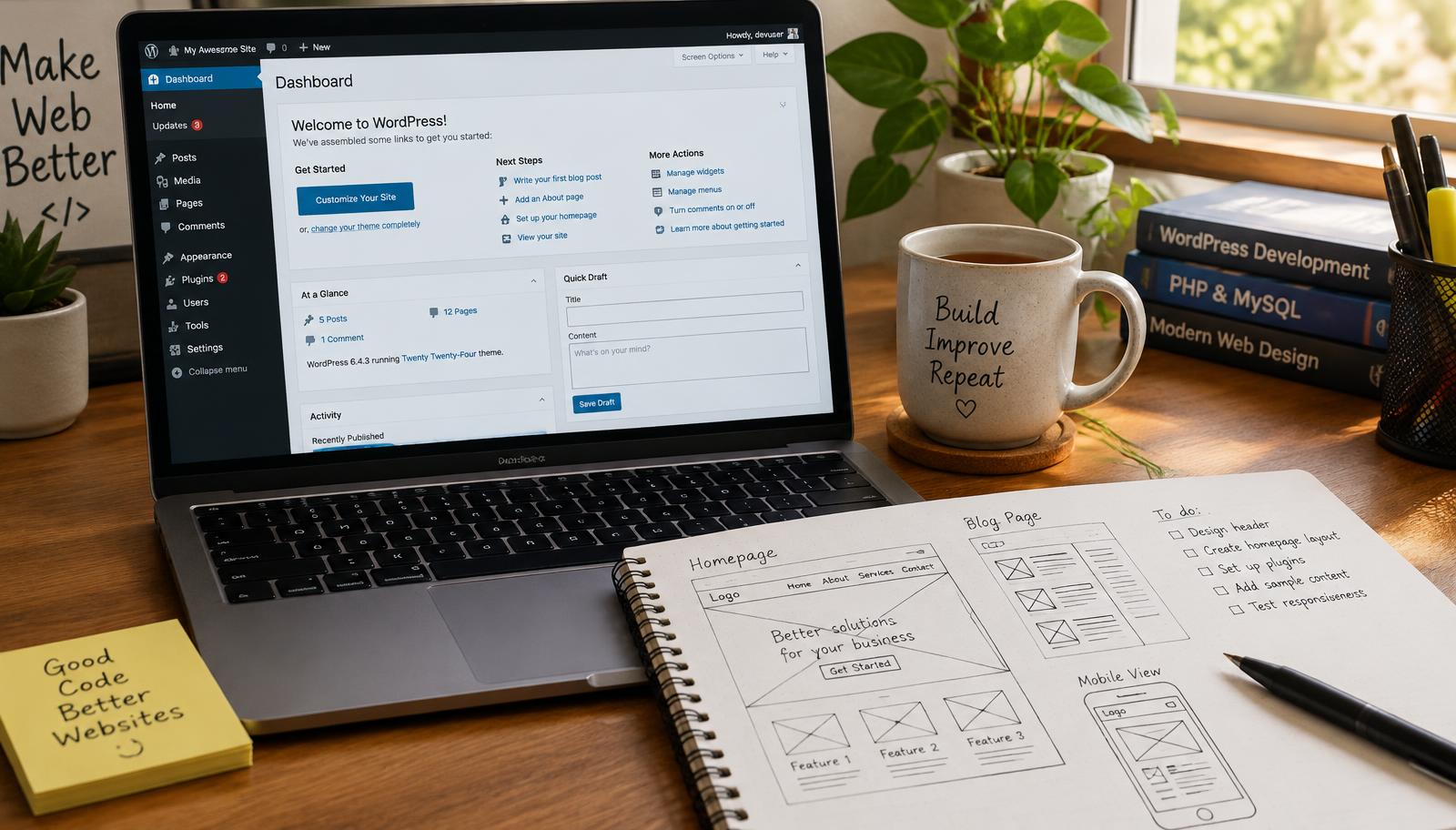
Optimizing Your WordPress Theme for Better Performance
Optimizing your WordPress theme for better performance is essential for enhancing user experience and improving site speed. A well-optimized theme ensures that visitors can navigate your website seamlessly, reducing bounce rates and increasing engagement. This guide outlines effective strategies to enhance the performance of your WordPress theme.
WordPress Speed Optimization
Speed optimization involves various techniques aimed at decreasing load times. The first step is assessing your current performance using tools like Google PageSpeed Insights or GTmetrix. These platforms provide insights into loading speed, suggesting specific areas for improvement.
Once you have a baseline, focus on optimizing images within your theme. Large image files can significantly slow down page loads. Implementing image compression techniques reduces file size without sacrificing quality, ensuring faster loading times. Use formats like WebP where possible, as they offer superior compression compared to traditional formats such as JPEG or PNG.
Caching plugins are another critical component of speed optimization. By storing static versions of your pages, caching plugins reduce server load and improve response times for returning visitors. Popular options include WP Rocket and W3 Total Cache, which allow you to configure settings tailored to your site's needs.
Theme Customization Techniques
Customizing themes effectively requires an understanding of both aesthetics and functionality. Start by reviewing the theme settings in the WordPress dashboard to disable unnecessary features that may hinder performance—such as excessive animations or widgets that do not serve a purpose.
Minifying CSS and JavaScript files also contributes to improved loading speeds. This process reduces file sizes by eliminating whitespace and comments from code without affecting functionality. Tools like Autoptimize can automate this process, making it easier to maintain optimized code across updates.
Additionally, consider utilizing a Content Delivery Network (CDN). CDNs distribute content across multiple servers worldwide, allowing users to access data from the nearest location rather than relying solely on your web host's server location. This setup enhances global accessibility while reducing latency during content delivery.
Performance Enhancement Methods
To achieve optimal performance enhancements beyond basic adjustments, conduct regular audits of installed plugins and themes. Over time, unused or outdated plugins can accumulate bloat within your site’s architecture—leading to slower performance overall.
Implementing lazy loading techniques is another effective method for improving perceived load times on pages with numerous images or videos. Lazy loading defers the loading of non-visible elements until users scroll down the page—a strategy that minimizes initial load time while maintaining user engagement with visible content first.
Finally, ensure that you keep all components updated; this includes WordPress core updates alongside plugin and theme updates whenever available. Regular maintenance prevents compatibility issues that could affect site speed over time while also addressing security vulnerabilities inherent in outdated software versions.
Checklist
- Assess current site speed using Google PageSpeed Insights.
- Optimize images through compression.
- Install caching plugins.
- Review theme settings; disable unnecessary features.
- Minify CSS/JavaScript files.
- Utilize a CDN for enhanced distribution.
- Audit installed plugins regularly.
- Implement lazy loading techniques.
- Keep all software up-to-date.
Frequently asked questions
Web Design Burnley Team
We are a local web design team in Burnley. We write these guides from the projects we plan, build and maintain for Lancashire businesses.
Meet the team