Essential Tools for Wordpress Theme Customization You Need
Essential tools for wordpress theme customization provide essential features for effective design adjustments.
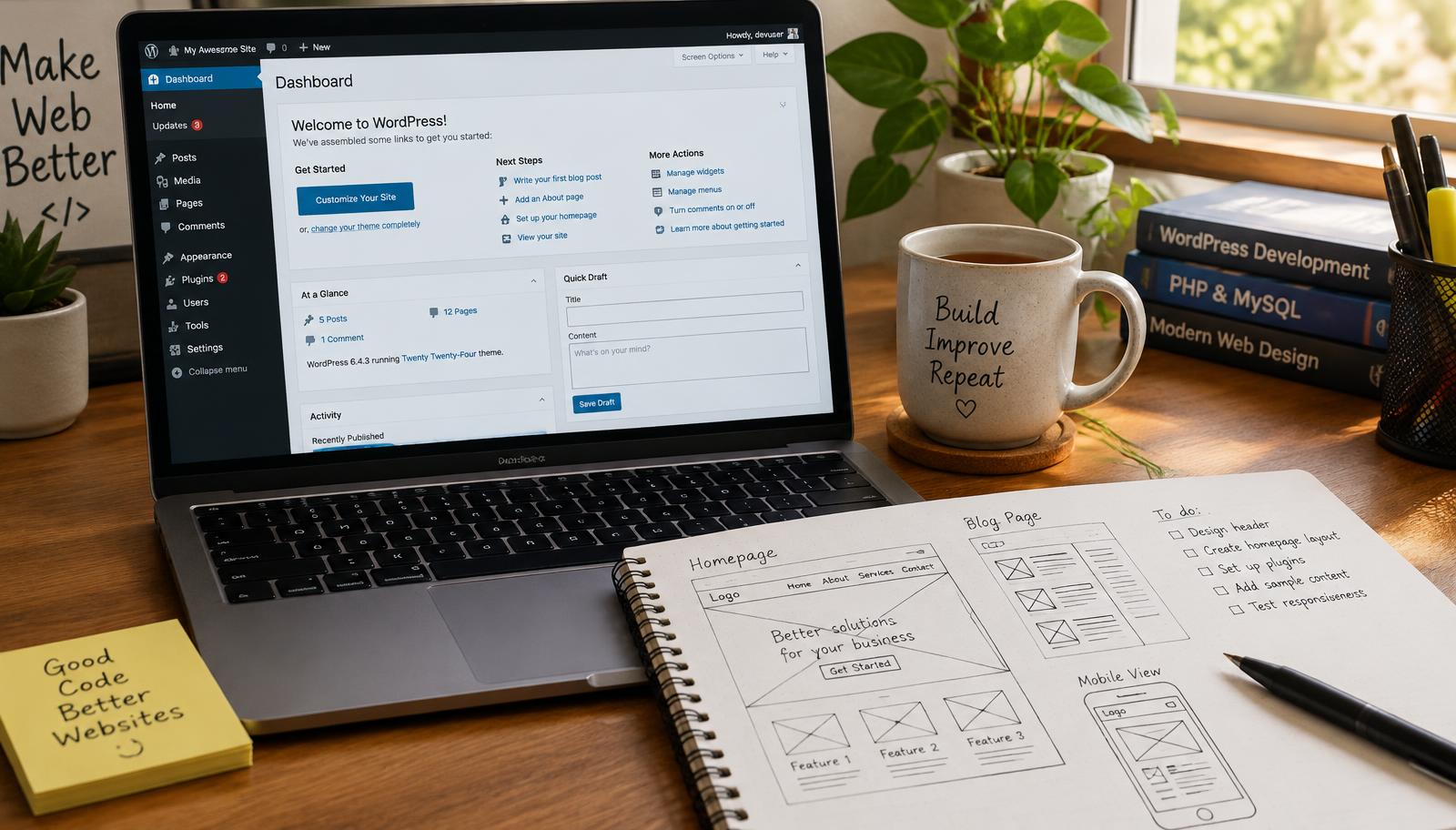
Essential Tools for WordPress Theme Customization
Customizing a WordPress theme requires the right tools to achieve your desired look and functionality. This guide outlines essential tools for WordPress theme customization, focusing on page builders, CSS editors, and design plugins. These resources will enhance your website's appearance and improve user experience.
WordPress Page Builders
Page builders are crucial for customizing layouts without extensive coding knowledge. They provide a drag-and-drop interface that allows you to create complex designs easily. Popular options include Elementor, Beaver Builder, and WPBakery Page Builder.
Elementor stands out due to its versatility and user-friendly interface. It offers a wide range of widgets that can be customized in real-time. Beaver Builder is another excellent choice, known for its speed and efficiency in creating responsive designs. WPBakery Page Builder integrates seamlessly with many themes but may require some learning curve for optimal use.
Using these page builders enables you to modify sections of your site quickly. You can adjust headers, footers, and content areas while previewing changes instantly so you can ensure alignment with your vision before publishing.
CSS Editors for Advanced Customization
For those looking to dive deeper into customization, CSS editors are invaluable tools. They allow precise control over styling elements within your theme beyond what standard settings offer. Plugins like Simple Custom CSS or SiteOrigin CSS enable users to add custom styles directly from the dashboard.
With these editors, you can target specific elements using selectors—this means adjusting colors, fonts, margins, or padding as needed without altering the core theme files directly. This approach minimizes risks associated with updates that could overwrite customizations made in the original files.
Incorporating advanced styles enhances both aesthetics and usability so you can create a unique brand presence online while maintaining functional integrity across devices.
Design Plugins That Enhance Functionality
Design plugins play an essential role in extending the capabilities of your WordPress site beyond basic customization tools. Key plugins such as Yoast SEO help optimize content visibility while enhancing overall design through structured data integration.
Other notable plugins include Slider Revolution for dynamic image presentations and Contact Form 7 for streamlined communication forms on your site. These additions not only improve visual appeal but also enhance user engagement by providing interactive features tailored to visitor needs.
Selecting the right combination of design plugins ensures that every aspect of your website works harmoniously together so you can deliver an engaging experience that keeps visitors returning.
Checklist: Essential Tools Overview
- Page Builders: Elementor, Beaver Builder
- CSS Editors: Simple Custom CSS
- Design Plugins: Yoast SEO, Slider Revolution
Frequently asked questions
Web Design Burnley Team
We are a local web design team in Burnley. We write these guides from the projects we plan, build and maintain for Lancashire businesses.
Meet the team