Troubleshooting Common Wordpress Theme Issues for Better Performance
troubleshooting common wordpress theme issues provides solutions for common design challenges.
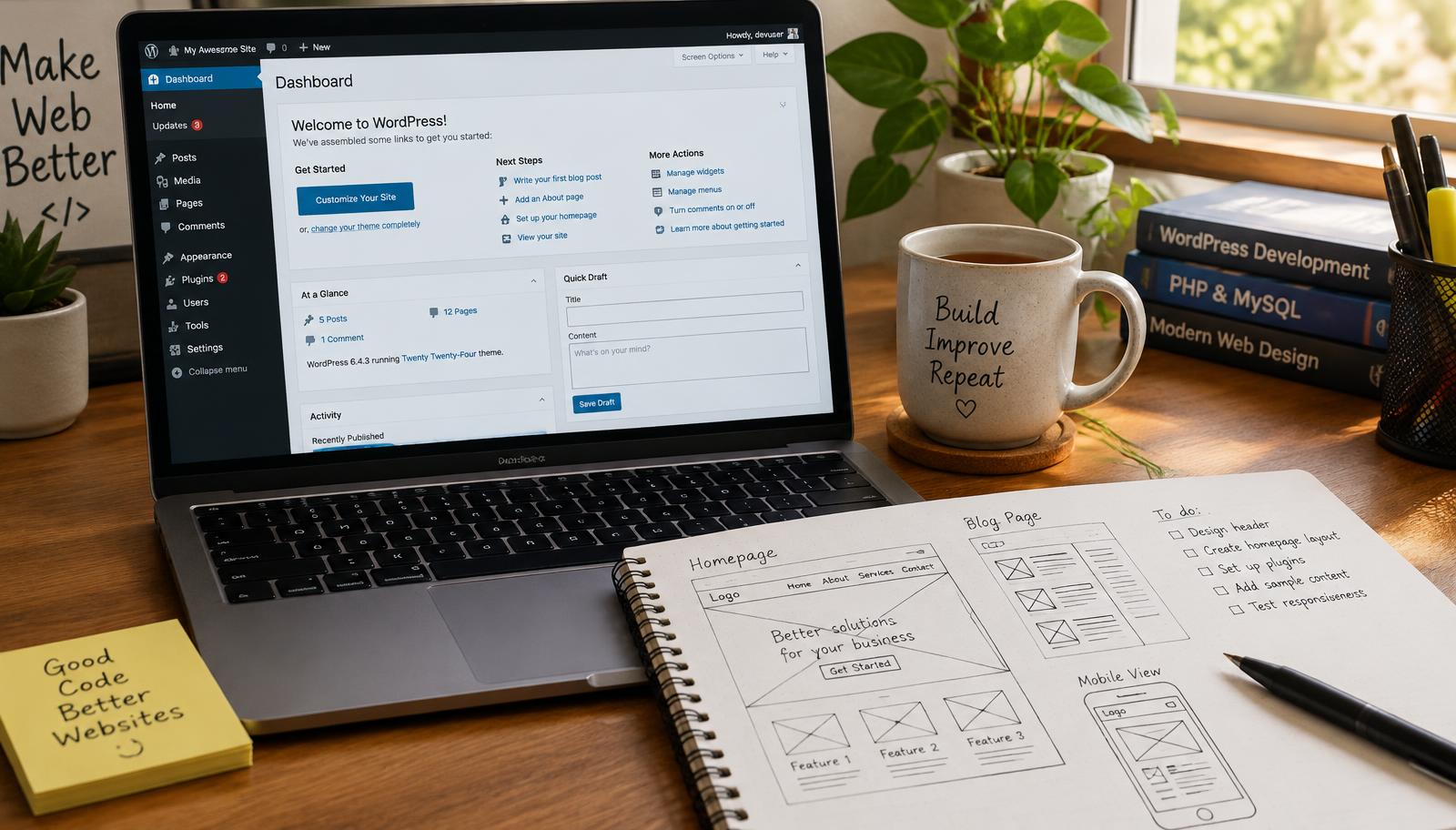
Troubleshooting Common WordPress Theme Issues
WordPress themes can present various challenges that affect site performance and user experience. Understanding how to troubleshoot common WordPress theme issues is essential for maintaining an effective online presence. This guide will provide you with clear steps to identify and resolve these problems, ensuring your website functions smoothly.
WordPress Theme Support
When encountering issues with your WordPress theme, the first step is to utilize available support resources. Most premium themes come with dedicated support from developers or community forums where users share solutions. Check the documentation provided by your theme developer; it often contains troubleshooting tips specific to known issues.
If you are using a free theme, consider visiting the WordPress Support Forum. Here, you can search for similar problems encountered by other users or post your inquiry if no solution exists. Engaging with the community can yield valuable insights into resolving conflicts or bugs related to your particular theme.
Common Theme Installation Issues
Theme installation errors can arise due to several factors, including file corruption during upload or incompatibility with existing plugins. To address this:
- Check File Integrity: Ensure that the theme files are intact and not corrupted during download.
- Verify Compatibility: Before installation, confirm that your version of WordPress supports the theme.
- Disable Plugins: Temporarily deactivate all plugins before installing a new theme; sometimes plugin conflicts prevent successful installations.
After following these steps, attempt re-installing the theme through either the dashboard or FTP method if necessary.
Responsive Design Problems
Responsive design ensures that websites function well on various devices and screen sizes. If elements appear misaligned on mobile devices:
- Inspect CSS Settings: Review custom CSS settings in your theme options panel for any conflicting rules affecting layout.
- Test Responsiveness: Use browser developer tools to simulate different device screens and identify which elements fail to adapt correctly.
- Update Your Theme: Keeping your theme updated ensures compatibility with responsive frameworks and fixes known bugs.
Addressing responsive design problems promptly enhances user experience across platforms, leading to higher engagement rates.
Checklist for Troubleshooting Theme Issues
- Confirm all files are uploaded correctly without corruption.
- Deactivate plugins before installing a new theme.
- Review custom CSS rules impacting responsiveness.
- Test across multiple devices using browser tools.
- Regularly update themes for optimal performance.
Frequently asked questions
Web Design Burnley Team
We are a local web design team in Burnley. We write these guides from the projects we plan, build and maintain for Lancashire businesses.
Meet the team