Best Plugins for Wordpress Integration to Boost Your Site
Best plugins for wordpress integration improve efficiency and user engagement on your website.
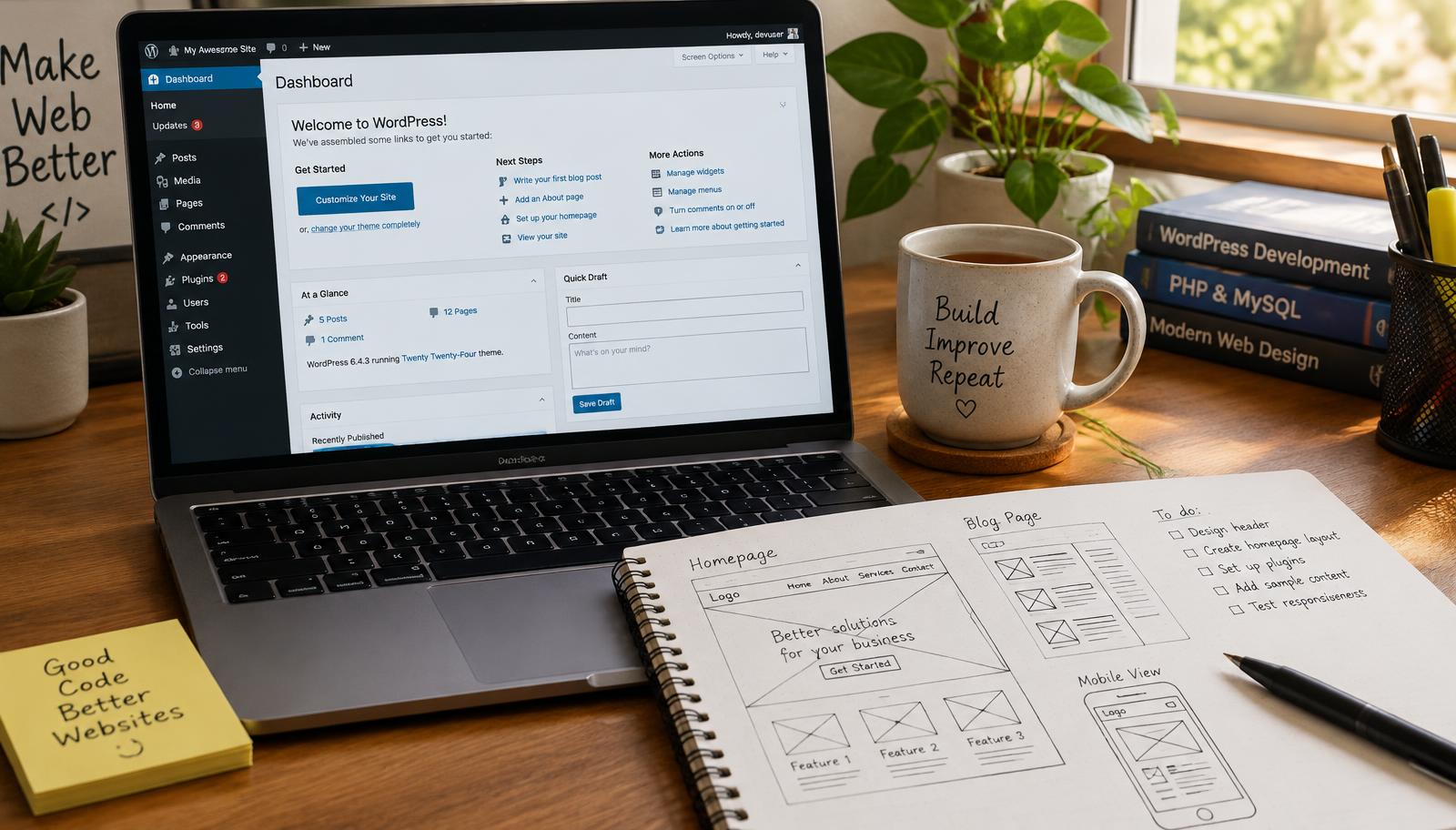
Best Plugins for WordPress Integration
Integrating the best plugins for WordPress can significantly enhance your website's functionality and user experience. Whether you are looking to improve site performance, boost user engagement, or streamline eCommerce solutions, selecting the right plugins is essential. This guide will help you navigate through the top options available in the market.
Plugin Management Strategies
Effective plugin management starts with understanding your website's needs. Begin by assessing what functionalities are crucial for your site. Consider factors such as performance metrics, integration capabilities, and user interface design when evaluating potential plugins.
Once you've identified key requirements, prioritize plugins that offer reliable support and regular updates. This ensures compatibility with future WordPress versions and minimizes security risks associated with outdated software. Aim to limit the number of installed plugins to avoid conflicts that may arise from overlapping functionalities.
To maintain optimal performance, regularly review and deactivate any unnecessary plugins. This helps reduce load times and enhances overall site speed—critical factors for retaining visitors.
Essential Features in Plugins
When choosing plugins for WordPress integration, focus on specific features that align with your goals. Look for essential attributes such as:
- User-Friendliness: A straightforward installation process is vital.
- Customization Options: The ability to tailor settings according to your preferences enhances usability.
- Performance Metrics: Evaluate how well a plugin performs under different conditions; this includes loading speeds and responsiveness.
Plugins like Yoast SEO provide robust tools for optimizing content visibility while maintaining ease of use—a critical balance when enhancing site functionality without complicating user experience.
Recommended Plugins
Several standout options cater specifically to various needs within WordPress integration:
- WooCommerce: Ideal for eCommerce sites seeking comprehensive sales solutions.
- Elementor: A powerful page builder that allows extensive customization without coding knowledge.
- Jetpack: Offers multiple features including security enhancements and performance optimization tools.
These recommended plugins not only fulfill specific functions but also integrate seamlessly into existing workflows, ensuring a cohesive operational environment on your website.
Checklist for Selecting Plugins
Before finalizing any plugin choices, consider using this checklist:
- Does it meet my site's specific needs?
- Is it compatible with my current theme?
- Are there recent reviews indicating reliability?
- What kind of customer support does it offer?
By adhering to this checklist during selection processes, you can ensure that each plugin contributes positively to your site's overall effectiveness.
Frequently asked questions
Web Design Burnley Team
We are a local web design team in Burnley. We write these guides from the projects we plan, build and maintain for Lancashire businesses.
Meet the team