Essential Plugins for Enhancing Functionality in Wordpress
essential plugins for enhancing functionality help optimize your website s capabilities effectively.
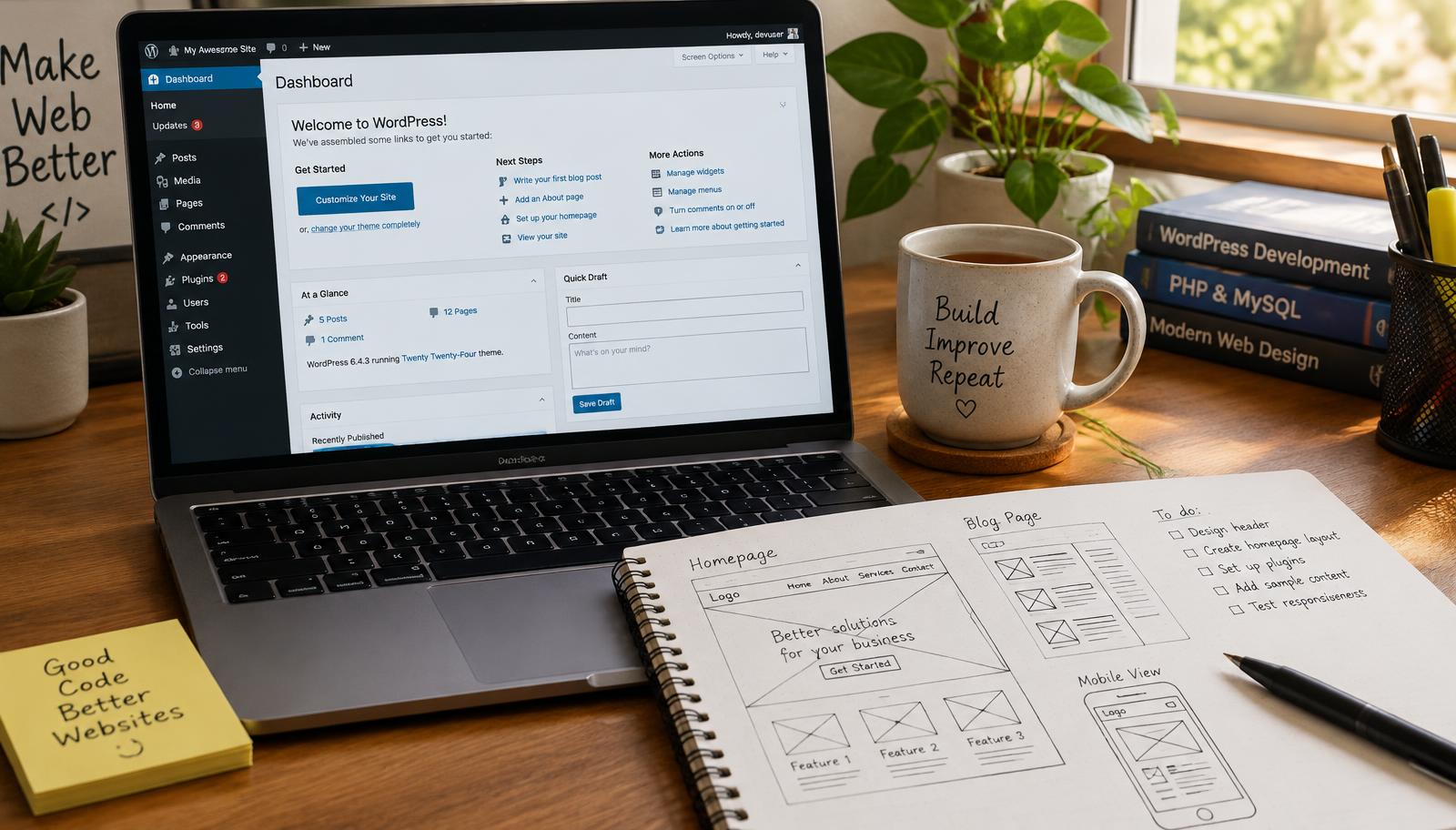
Essential Plugins for Enhancing Functionality
To maximize your website's performance and user experience, essential plugins for enhancing functionality are critical. These plugins add features that improve site speed, security, SEO, and overall usability. By integrating the right tools into your WordPress site, you can streamline processes and support growth effectively.
Selecting the appropriate plugins involves understanding your site's specific needs. For instance, eCommerce sites may require different functionalities compared to blogs or portfolios. This guide details key plugin categories that enhance functionality and how they contribute to a more robust web presence.
Website Optimization
Website optimization is crucial for improving loading times and user satisfaction. Performance-enhancing plugins like caching solutions can significantly reduce page load times by storing static versions of your pages. This reduces server requests and speeds up delivery to users.
Additionally, image optimization plugins compress images without sacrificing quality, ensuring faster loading while maintaining visual appeal. Tools such as Smush or EWWW Image Optimizer automatically optimize images upon upload, which is vital for maintaining an efficient workflow.
- Install a caching plugin (e.g., WP Super Cache).
- Configure settings based on your hosting environment.
- Test load times using tools like Google PageSpeed Insights.
- Implement image optimization via dedicated plugins.
- Regularly monitor performance metrics.
So you can ensure optimal website speed and enhanced user engagement.
Plugin Recommendations
Choosing the right plugins requires evaluating their features against your goals. Essential categories include SEO tools like Yoast SEO that help optimize content visibility in search engines through keyword analysis and readability checks.
Security measures are also paramount; consider installing Wordfence Security or Sucuri Security to safeguard against threats while providing regular updates on potential vulnerabilities within installed themes or other plugins.
- Research top-rated plugins in each category.
- Read user reviews to gauge reliability.
- Check compatibility with existing themes.
- Evaluate update frequency from developers.
- Test installations in a staging environment first.
So you can implement reliable enhancements tailored to your specific requirements.
User Engagement
User engagement directly impacts conversion rates; therefore, incorporating interactive elements is vital for retention strategies on any website platform—especially eCommerce sites where customer interaction drives sales volume.
Plugins like Elementor allow customization of landing pages with drag-and-drop features while WooCommerce provides comprehensive solutions for managing online stores efficiently—from product listings to checkout processes—all designed to enhance user experiences seamlessly across devices.
- Identify areas needing improvement in user interaction.
- Choose engaging design-focused plugins (e.g., Elementor).
- Integrate social sharing options via Jetpack or AddThis.
- Utilize analytics tools (like MonsterInsights) to track engagement patterns.
- Optimize call-to-action placements based on data insights gathered over time.
So you can foster deeper connections with visitors leading toward increased conversions over time.
Checklist
- [ ] Assess current site performance metrics
- [ ] Identify required functionalities based on business goals
- [ ] Research compatible plugin options
- [ ] Test new installations before going live
- [ ] Monitor ongoing performance post-installation
Frequently Asked Questions
Which plugins improve user experience?
Plugins that improve user experience include Elementor for customizable landing pages, WooCommerce for managing online stores, and social sharing options like Jetpack or AddThis. These tools enhance interactivity and engagement, which are crucial for retaining visitors and driving conversions.
Are there essential plugins for eCommerce?
Essential plugins for eCommerce include WooCommerce, which provides comprehensive solutions for managing online stores, from product listings to checkout processes. Additionally, security plugins like Wordfence Security are important to protect eCommerce sites from potential threats.
How to choose the right plugins?
Choosing the right plugins involves evaluating their features against your site's specific needs, researching top-rated options in each category, and checking compatibility with existing themes. It's also advisable to read user reviews, assess update frequency from developers, and test installations in a staging environment before going live.
Frequently asked questions
Web Design Burnley Team
We are a local web design team in Burnley. We write these guides from the projects we plan, build and maintain for Lancashire businesses.
Meet the team