Guide to Selecting the Right Plugins for Your Site Effectively
guide to selecting the right plugins for your site provides essential tips for optimal choices.
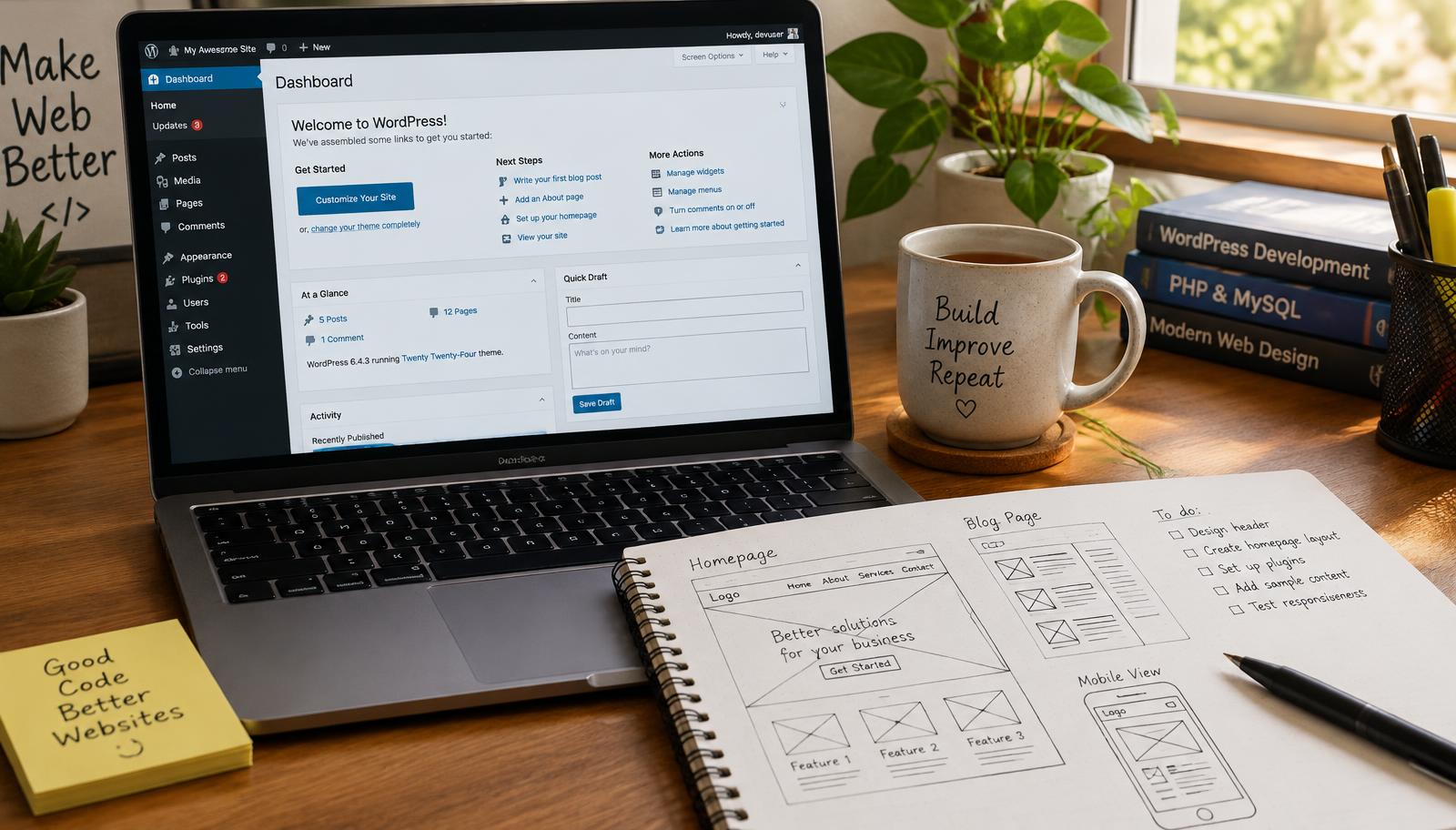
Guide to Selecting the Right Plugins for Your Site
Selecting the right plugins for your site is crucial for enhancing functionality and user experience. The right plugins can optimize performance, improve security, and streamline management tasks. This guide provides a structured approach to help you choose effective plugins tailored to your specific needs.
Plugin Management
Effective plugin management begins with understanding your website's requirements. Assess what functionalities are essential for your site. Consider whether you need e-commerce capabilities, SEO enhancements, or custom design features. Each plugin should serve a clear purpose that aligns with your goals.
Next, evaluate the compatibility of potential plugins with your current setup. Not all plugins work well together; some may conflict or cause performance issues if not properly integrated. Check user reviews and support documentation to gauge how well a plugin functions within different environments.
- Identify core functionalities needed.
- Research compatibility with existing themes and other plugins.
- Review user feedback and support resources.
So you can ensure seamless operation across all components of your website.
WordPress Customization
Customization is key when selecting plugins that fit into the unique framework of your WordPress site. Focus on finding tools that allow for easy adjustments without requiring extensive coding knowledge. Look for drag-and-drop builders or customizable templates if design flexibility is important.
Additionally, consider how each plugin integrates with popular platforms like WooCommerce or Elementor if you're running an online store or using page builders extensively. The best choices will enhance customization without overwhelming you with complexity.
- Seek out intuitive customization options.
- Verify integration capabilities with major platforms.
- Analyze ease of use versus advanced features.
So you can maintain control over both aesthetics and functionality while ensuring a smooth user journey on your site.
Website Optimization
Website optimization involves selecting plugins that enhance speed, security, and overall performance metrics of your site. Start by choosing caching solutions that reduce loading times; this directly impacts user retention rates and search engine rankings.
Security should also be a priority in optimization efforts—selecting reliable security plugins helps protect against vulnerabilities common in web applications like WordPress sites. Regular updates from developers indicate ongoing support which is critical in maintaining robust defenses against threats.
- Prioritize caching solutions for improved load times.
- Choose security-focused plugins from reputable sources.
- Monitor update frequency as an indicator of reliability.
So you can create a fast-loading, secure environment conducive to positive visitor experiences and better search visibility.
Checklist for Selecting Plugins
- Define core functionalities needed based on business goals.
- Conduct thorough research on compatibility issues between selected options.
- Evaluate customization capabilities according to technical skill level required.
- Prioritize speed-enhancing tools alongside strong security measures.
- Ensure regular updates are provided by developers post-installation.
Frequently asked questions
Web Design Burnley Team
We are a local web design team in Burnley. We write these guides from the projects we plan, build and maintain for Lancashire businesses.
Meet the team