Checklist for Successful Plugin Integration for Optimal Performance
checklist for successful plugin integration provides essential steps for effective implementation.
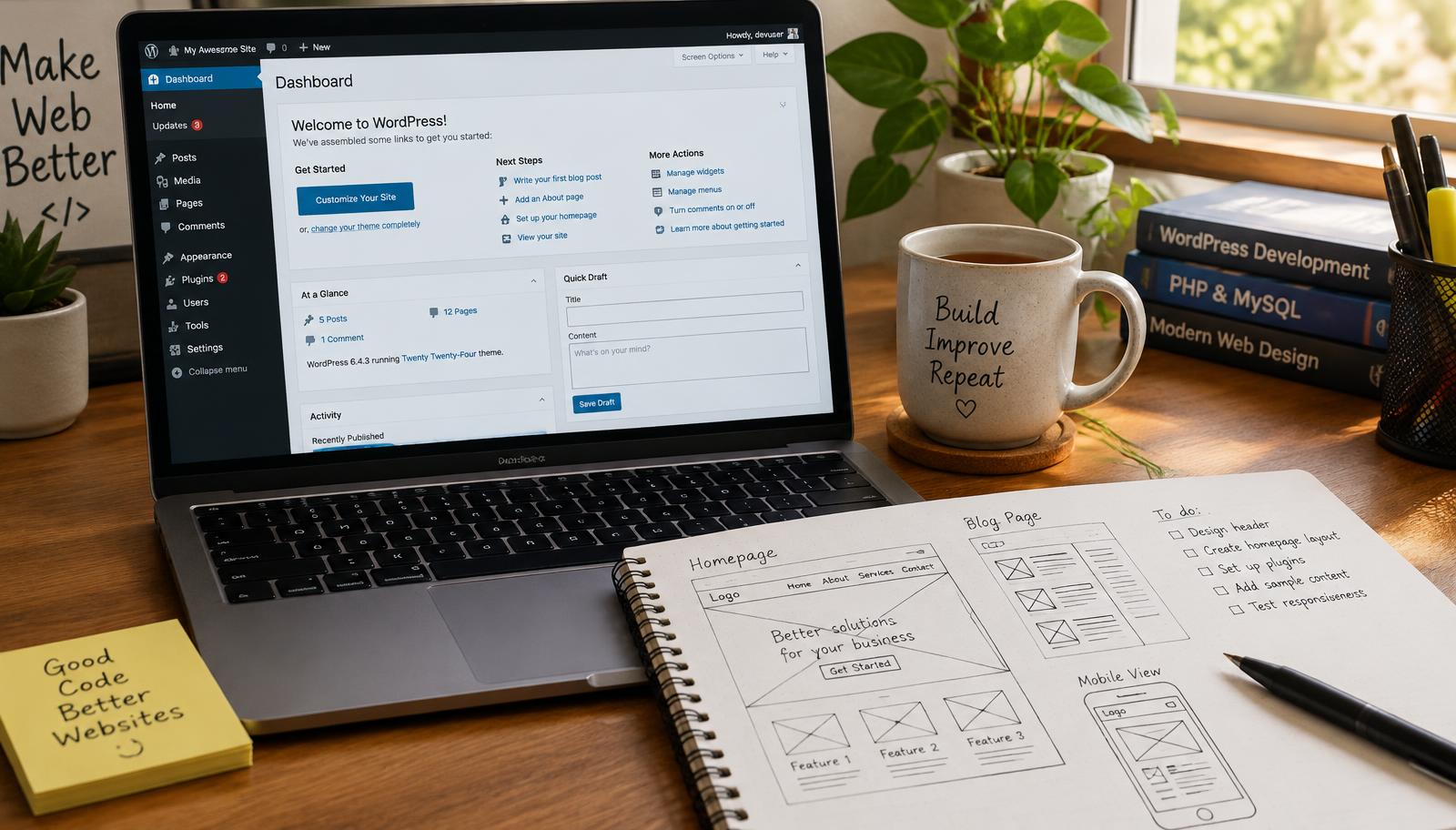
Checklist for Successful Plugin Integration
Integrating plugins effectively is crucial for enhancing your website's functionality. A comprehensive checklist for successful plugin integration ensures that you avoid common pitfalls and maximize performance. This guide will outline essential steps, considerations, and troubleshooting methods to help you achieve seamless integration.
Plugin Management
Effective plugin management starts with understanding the specific needs of your website. Identify the core functionalities that plugins will provide, such as SEO optimization or eCommerce capabilities. Evaluate each plugin based on its features, compatibility with existing themes, and user reviews to ensure it meets your requirements.
Once you've selected potential plugins, check their update history and support availability. Active development indicates a commitment to security and performance improvements. Additionally, consider how well the plugin integrates with other tools you're using; this can prevent conflicts down the line.
- Identify Needs: Determine what functionalities are necessary.
- Evaluate Plugins: Research features and compatibility.
- Check Support: Look for active development and support options.
By following these steps, you can ensure that your chosen plugins align with your website’s goals so you can enhance functionality without compromising stability.
Troubleshooting Plugins
Even after careful selection, issues may arise during or after installation. Common problems include incompatibility with themes or other plugins, which can lead to site crashes or degraded performance. To troubleshoot these issues effectively:
Start by disabling all non-essential plugins to isolate the problem source. Reactivate them one by one while monitoring site behavior closely; this helps identify any conflicting elements quickly.
If a specific plugin causes issues upon activation, consult its documentation for known conflicts or reach out to customer support for guidance on resolution strategies.
- Isolate Issues: Disable non-essential plugins first.
- Monitor Behavior: Reactivate one at a time.
- Consult Documentation: Use resources provided by developers.
This systematic approach allows you to pinpoint conflicts efficiently so you can maintain optimal site performance without unnecessary downtime.
Ensuring Plugin Compatibility
Ensuring compatibility among various components of your website is essential before integrating new plugins. Start by reviewing system requirements outlined in each plugin’s documentation—this includes checking PHP versions and WordPress updates needed for proper functionality.
Consider using staging environments when testing new integrations; this allows you to evaluate changes without affecting live sites directly. Always back up your current setup before making significant alterations; this provides a safety net should anything go wrong during integration efforts.
- Review Requirements: Check PHP versions and WordPress updates.
- Use Staging Environments: Test changes safely before going live.
- Backup Regularly: Ensure data protection prior to major updates.
Following these practices helps mitigate risks associated with incompatibility so you can integrate confidently while safeguarding your site's integrity.
Checklist for Successful Plugin Integration
- Identify needs based on desired functionalities.
- Evaluate potential plugins regarding features and support availability.
- Isolate problems through systematic disabling of non-essential plugins.
- Consult documentation when encountering issues post-installation.
- Review system requirements thoroughly before adding new integrations.
- Utilize staging environments for safe testing of new setups.
Frequently Asked Questions
What makes a plugin successful?
A successful plugin is typically characterized by its ability to meet the specific needs of a website, such as enhancing functionality or improving performance. Additionally, it should have active development and support, ensuring ongoing updates and compatibility with existing systems.
Frequently asked questions
Web Design Burnley Team
We are a local web design team in Burnley. We write these guides from the projects we plan, build and maintain for Lancashire businesses.
Meet the team